artz@artz · November 11, 2026 · 0 views
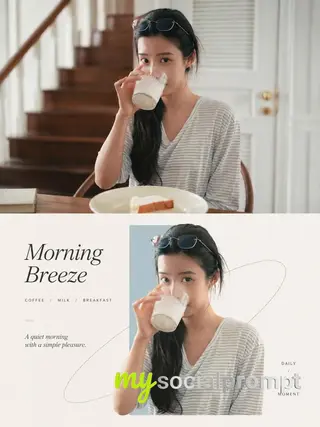
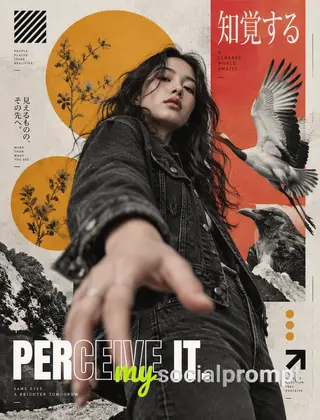
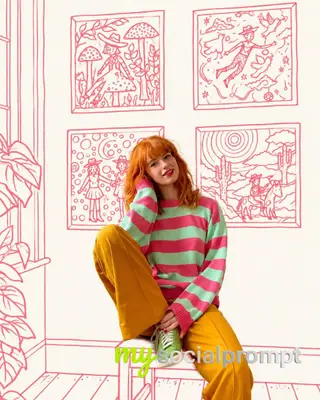
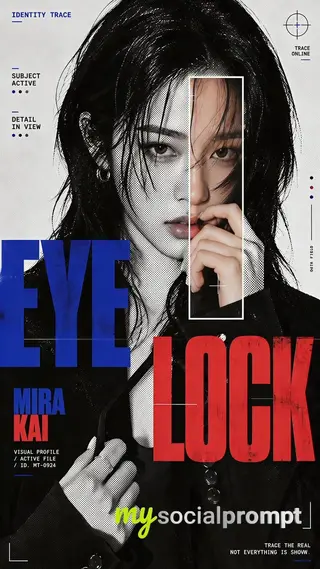
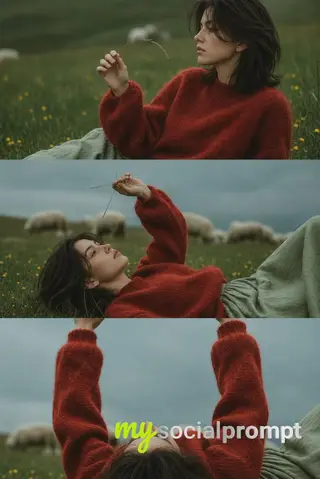
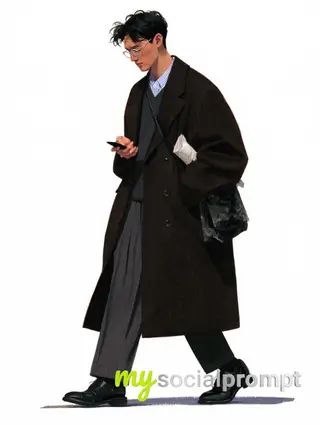
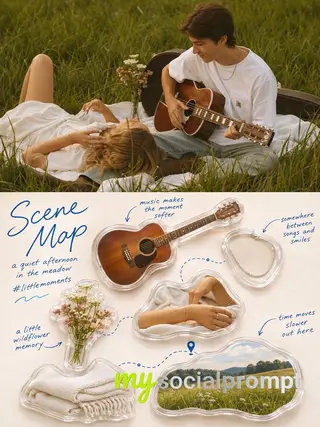
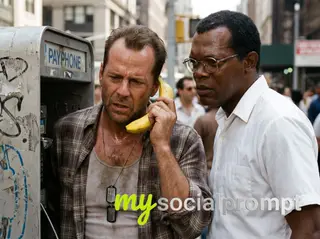
Split-Frame Photo to Japanese Screen-Print Comic Poster Comparison
UNIVERSAL PROMPT JAPANESE COMIC POSTER | 3:4

Create a 3:4 vertical comparison image divided into two equal horizontal halves, seamlessly joined without borders or gaps.

TOP HALF: Display the uploaded photograph exactly as it is, without editing, recoloring, or adding text. Preserve proportions; crop only peripheral background if necessary.

BOTTOM HALF: Redraw the same subject as a Japanese hand-drawn comic poster with minimalist, limited-color screen-print aesthetics. Preserve the subject's recognizable features, pose, proportions, colors, and relationships between objects. Adapt naturally to people, animals, objects, or landscapes. Keep the essential scenery and add nothing absent from the original photograph.

ART STYLE: Delicate, slightly irregular ink-black outlines (#02030B), simplified shapes, clean opaque color blocks, and minimal hard-edged shadows.
Use warm red (#E9444B), muted gray-blue (#5296BD), and off-white paper (#ECEDE5), with red dominant over blue. Avoid photorealistic textures, dense hatching, 3D effects, and excessive details.
LAYOUT & TEXT: Position the illustration in the upper-middle of the bottom half, with generous negative space and bold, hand-carved typography below. Add a small handwritten, subject-related caption at the top and a short handwritten annotation beside the subject, both in black. The main headline reads “Jen” in warm red on the first line and “Style” in gray-blue on the second. Each appears once. Keep all text within the bottom half, fully legible and uncropped. Replace sample text only when the user provides alternatives.
FINAL RESULT: One complete 3:4 image, with the untouched original photograph above and its Japanese hand-drawn, limited-color poster interpretation below. No extra borders, watermarks, invented elements, or decorative clutter.How to use this prompt
- Open GPT-Image (the model this prompt was written for). Most prompts also work in other image models with small edits.
- Join free to copy the full prompt and paste it as it is.
- Change the subject, the setting or the colors to make it yours; keep the structure.
- Generate, then adjust one detail at a time (light, framing, style) until the result matches the examples on this page.
This vertical comparison pairs an untouched photograph with a screen-print reinterpretation rendered in the Japanese comic poster tradition. The lower panel distills the subject into clean opaque color blocks, ink-black outlines, and a restrained palette of warm red, muted gray-blue, and off-white paper. Minimal hard-edged shadows and generous negative space build a minimalist composition, while hand-carved typography anchors the frame. #ComicPoster #ScreenPrint #MinimalistDesign #PhotoComparison
Originally shared by Saul Goodman (@Goodmanprotocol) view the original