Cinematic Character Sheet With Consistent Facial Identity
REFERENCE-BASED IDENTITY LOCK:

Use the uploaded reference image as the primary identity reference. Preserve the subject’s exact facial identity, facial structure, face shape, hairstyle, hair texture, skin tone, eye color, natural features, and overall appearance.

Create a premium, ultra-realistic cinematic character sheet featuring the same person consistently across every panel. Maintain strict identity consistency without facial drift, hairstyle changes, or altered proportions.

1. MAIN PORTRAIT

Create a large, high-resolution front-facing portrait of the subject with:

Natural expression
Realistic skin texture
Accurate facial features
Soft cinematic lighting
Clean, professional composition
2. CHARACTER PROFILE

Include a professional character information panel:

Name: [CUSTOM NAME]
Age Appearance: [AGE]
Gender: Adapt naturally to the reference
Eye Color: Match reference
Hair Color & Style: Match reference
Skin Tone: Match reference
Build: Match reference
Personality: [CUSTOM PERSONALITY]
Signature Look: [CUSTOM STYLE]
3. EXPRESSIONS SHEET

Show the same character in six close-up portraits:

Neutral
Smiling
Serious
Playful
Happy
Thoughtful

Maintain identical facial identity, hairstyle, skin texture, and proportions in every expression.

4. FULL-BODY VIEWS

Create realistic full-body character references:

Front view
Side view
Back view
3/4 view

Use simple, minimal clothing that clearly reveals the body proportions and silhouette. Maintain consistent hairstyle, face, and body structure.

5. DETAIL SHOTS

Include high-resolution close-ups of:

Eyes
Skin texture
Lips
Hair texture
6. LIFESTYLE / MOOD

Show the same character in four natural lifestyle scenes:

Casual outdoor scene
Relaxing with headphones
Reading a book
Wearing sunglasses

Keep the character’s identity consistent across all scenes.

7. OUTFIT IDEAS

Display six outfit variations using simple, realistic styling:

Casual
Sporty
Smart Casual
Summer
Winter
Evening

Adapt the clothing naturally to the subject’s appearance and body structure.

8. VISUAL DESIGN

Create a premium professional character sheet layout with:

Clean editorial grid
Neutral beige, gray, and black color palette
Elegant typography
Consistent studio lighting
Professional photography presentation
Clearly separated panels
High-end fashion editorial aesthetic
9. QUALITY & CONSISTENCY LOCK

Ultra-realistic photography, natural skin texture, realistic anatomy, accurate hands, physically coherent lighting, consistent facial identity, no duplicate faces, no facial distortion, no artificial CGI appearance.

OUTPUT: A complete professional character reference sheet suitable for cinematic filmmaking, AI video generation, animation, fashion campaigns, and storytelling.

Aspect Ratio: 4:5 or 3:2
 Resolution: Maximum available quality with sharp, realistic details.
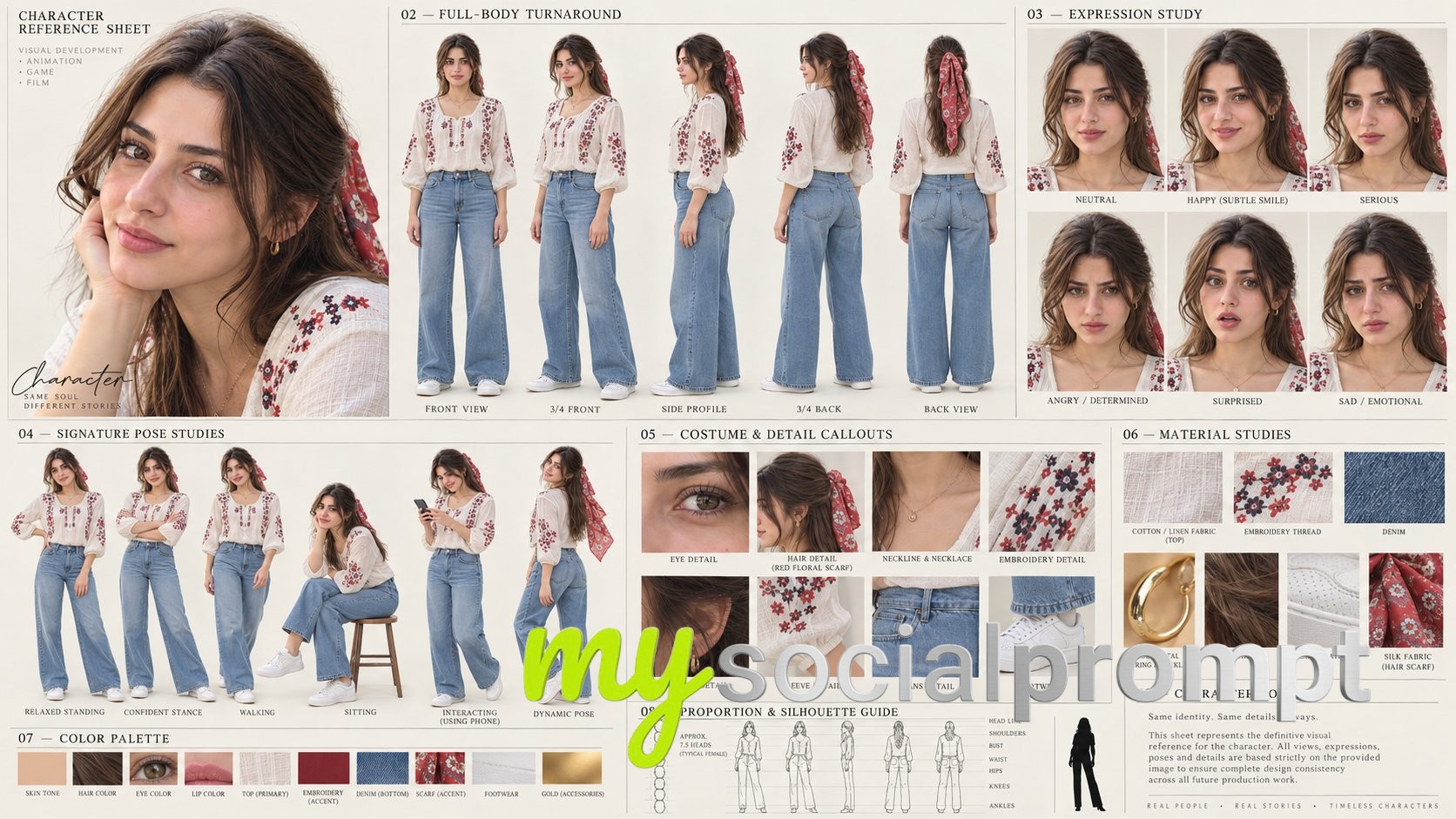
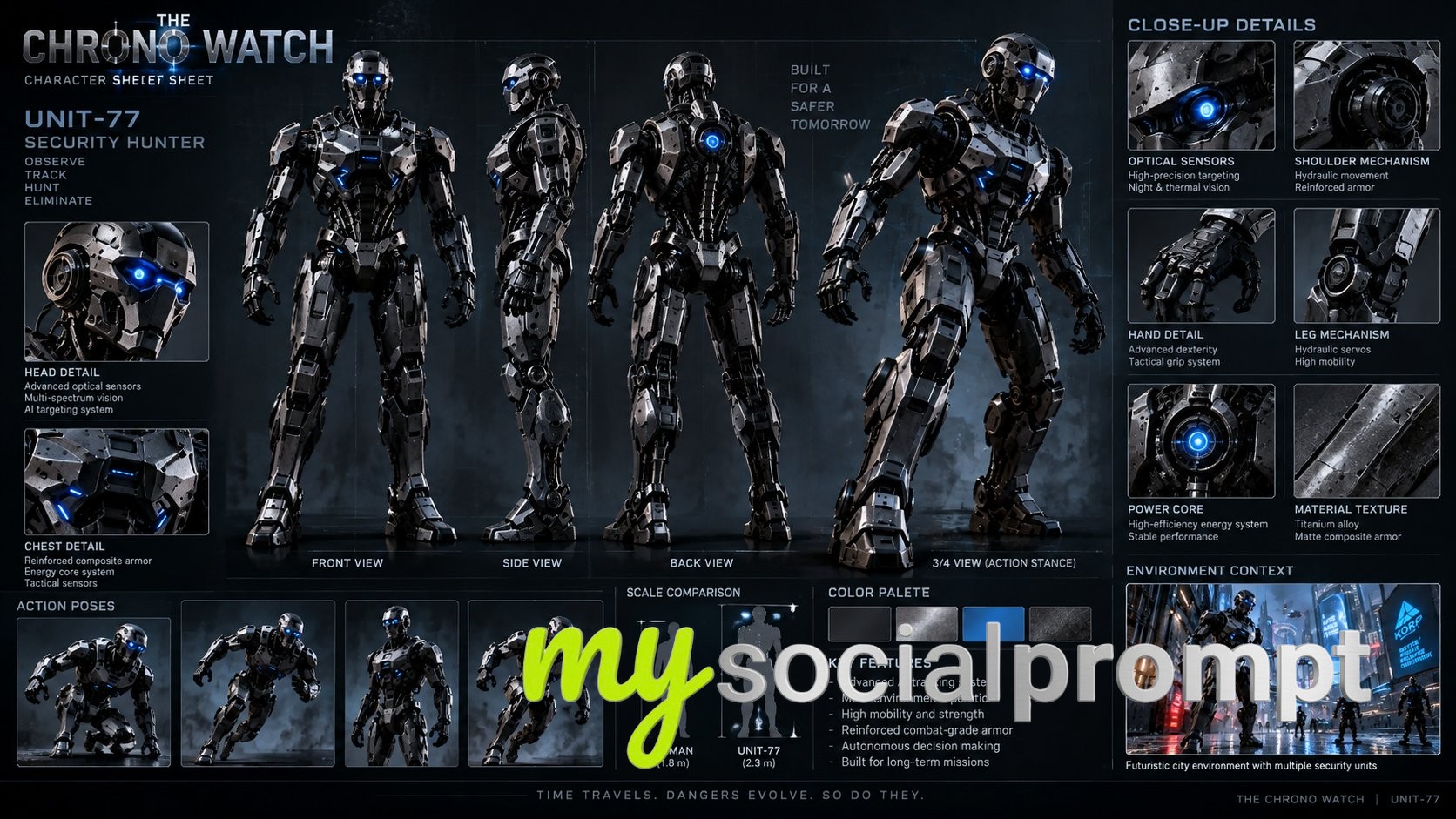
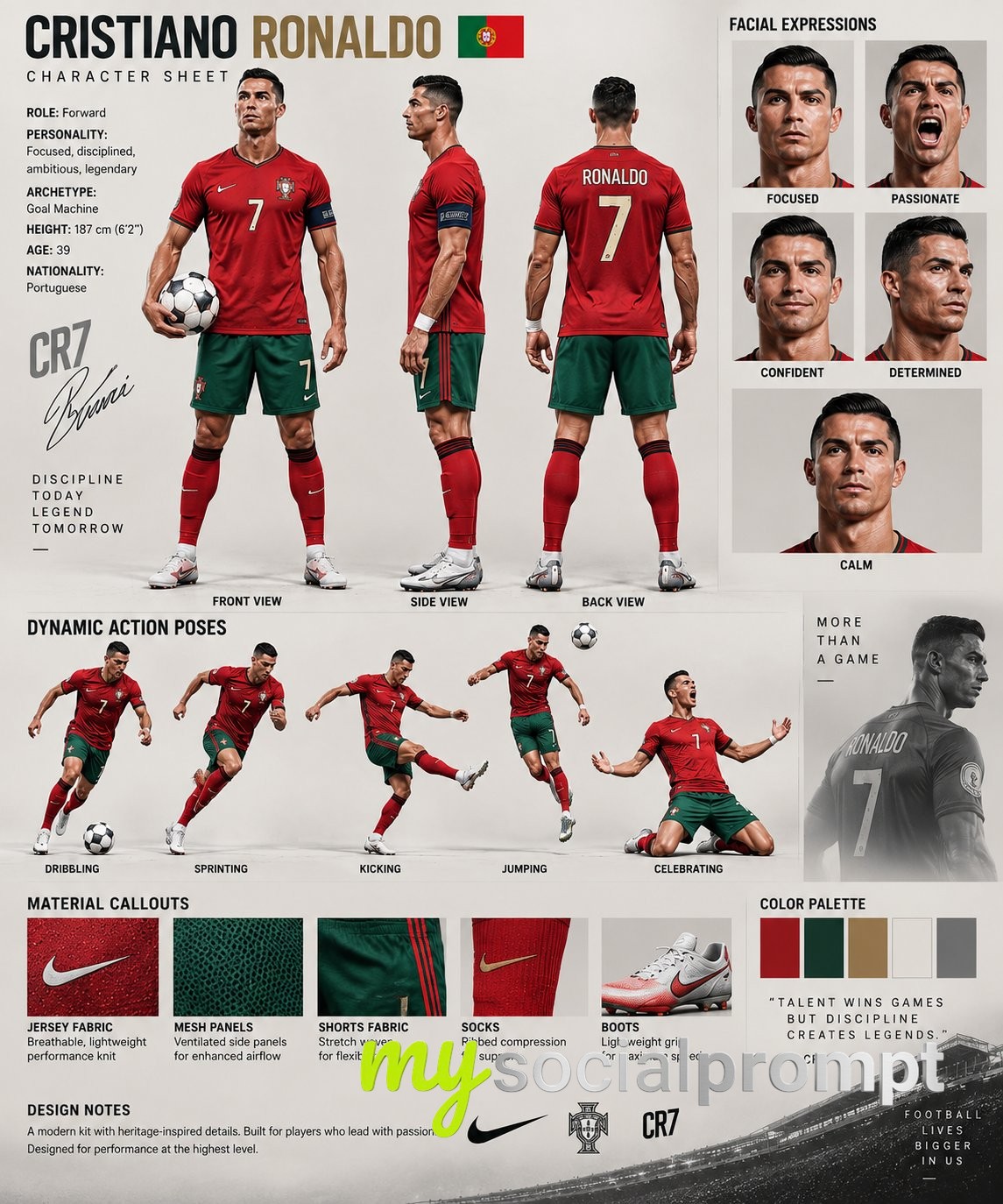
This is a full character bible on a single canvas: a large front-facing portrait anchors the page, then six expression close-ups, four full-body turns, macro details of eyes and freckles, four lifestyle moments and six outfit variations spread across a tidy editorial grid. The muted beige, grey and black palette, the elegant typography and the calm studio light make it feel like a page torn from a casting director's binder — warm, precise, and quietly luxurious.
The prompt works because it locks identity before it decorates. Naming the exact traits to preserve — face shape, hair texture, skin tone, eye colour — stops the feature drift that usually ruins multi-panel sheets. The numbered sections act as a shot list, so the model knows the difference between a close-up and a 3/4 body view, and the requested cinematic lighting plus realistic skin and freckle detail keeps every panel photographic instead of plastic. The final consistency clause quietly bans duplicate faces and CGI sheen.
To remix it, keep the structure and swap the content: change the profile fields, ask for a different palette (deep green and cream work beautifully), or trim the sheet to portrait plus expressions plus outfits when you only need a compact reference. Changing the aspect ratio to 3:2 gives you a wider, more magazine-like spread.