Olivia M.@liv_morgan · May 8, 2026 · 0 views
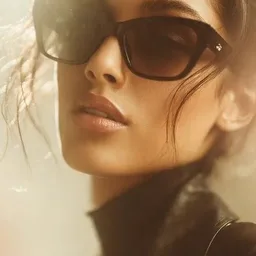
nanobanana prompt: Match Lighting for Cinematic Relighting in AI Art
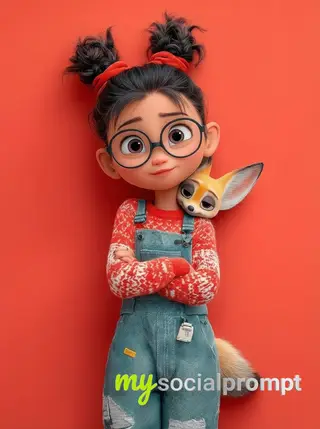
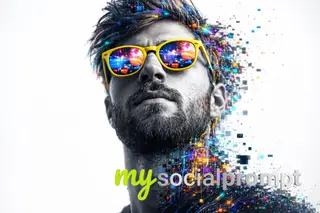
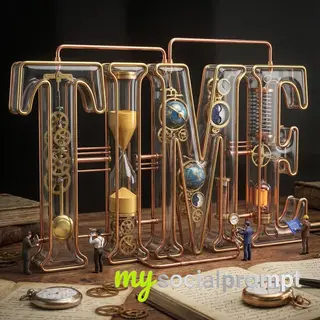
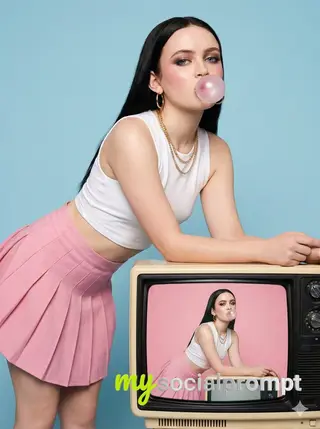
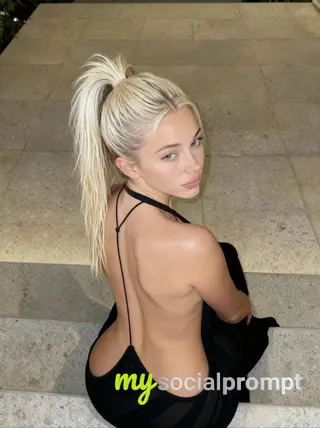
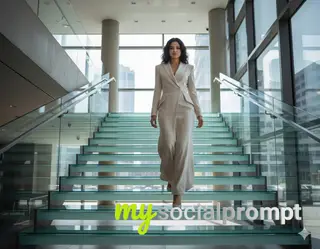
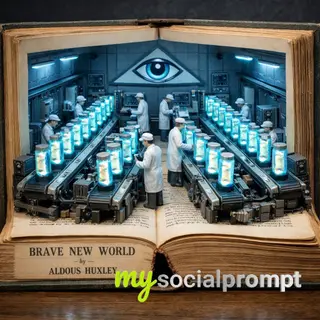
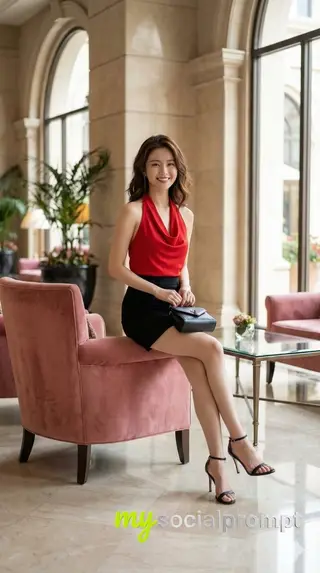
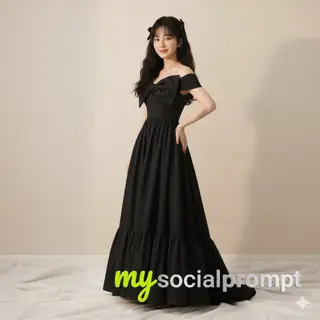
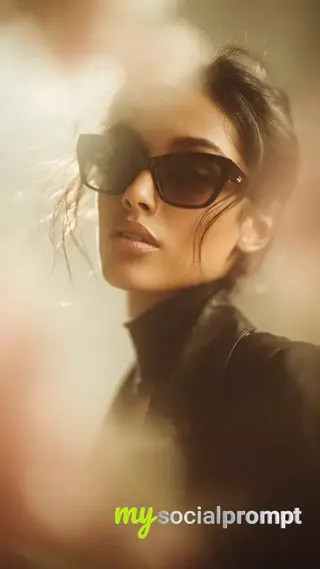
Three useful words in Nano Banana Pro: “MATCH THE LIGHTING”I have been using this constantly since it launched. If I want to relight a shot and integrate the character in a different environment, I simply provide another image as reference and ask Nano Banana Pro to match the lighting of that second shot.What makes it powerful is that it does more than just relight. It often brings back subtle environmental cues from the reference. For example, in a snowy reference, traces of snow can reappear naturally in the scene.You can always prompt it not to change angles or composition if needed. Sometimes it takes a small nudge, but overall the hit rate is very high.How to use this prompt
- Open Nanobanana (the model this prompt was written for). Most prompts also work in other image models with small edits.
- Join free to copy the full prompt and paste it as it is.
- Change the subject, the setting or the colors to make it yours; keep the structure.
- Generate, then adjust one detail at a time (light, framing, style) until the result matches the examples on this page.
Master AI-driven cinematic lighting with Nano Banana Pro. By providing a reference image, you can seamlessly relight scenes, preserving composition while matching the mood and environmental cues like snow or shadows. This technique enhances hyper-realism in digital art. #CinematicLighting #AIRelighting #NanoBananaPro #DigitalArt





Comments (0)
Sign in to join the conversation.
No comments yet be the first.