
Rui Almeida@rui_almeida · May 7, 2026 · 2 views
nanobanana prompt: Corporate Boardroom Portrait with Cinematic Lighting
Here's how you can create your formal boardroom portrait with AI.Use Google Nano Banana Pro AI image generation model.Use this prompt: realistic formal boardroom portrait based on the attached person, sharp professional photography, tailored suit, confident posture, seated at a premium boardroom table, soft cinematic lighting, corporate environment, high detail, natural skin texture, photorealistic qualityHow to use this prompt
- Open Nanobanana (the model this prompt was written for). Most prompts also work in other image models with small edits.
- Join free to copy the full prompt and paste it as it is.
- Change the subject, the setting or the colors to make it yours; keep the structure.
- Generate, then adjust one detail at a time (light, framing, style) until the result matches the examples on this page.
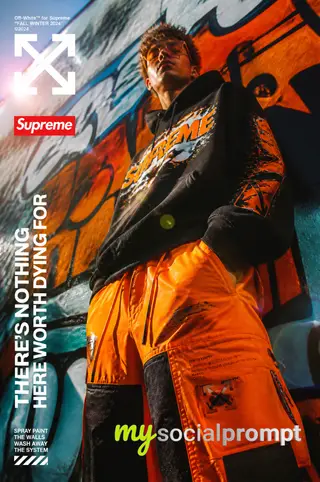
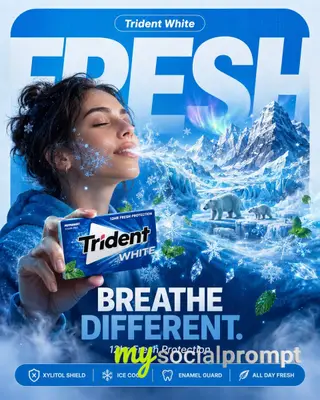
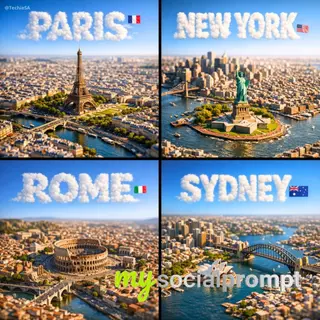
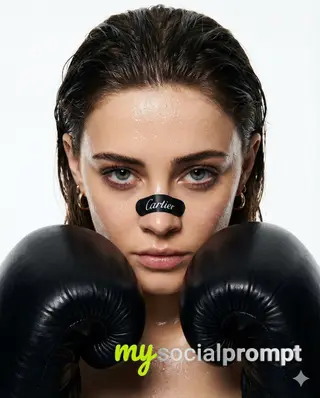
This prompt creates a hyper-realistic formal boardroom portrait, emphasizing Cinematic Lighting and Photorealistic Quality. The scene features a subject in a tailored suit, seated with confident posture at a premium boardroom table. Soft, diffused light sculpts the face and suit, while the corporate background remains sharply detailed. Focus on natural skin texture and subtle reflections on the table surface to achieve a high-end professional look. #CorporatePortrait #AIPhotography #BoardroomStyle











Comments (2)
Sign in to join the conversation.
the 'natural skin texture' clause is doing a lot of heavy lifting here — in my renders Nano Banana still smooths pores unless i add a specular catch and slight subsurface variation. have you tried naming a specific light source instead of just 'soft cinematic'?
The 'natural skin texture' clause is doing a lot of work here; in my experience Nano Banana still flattens under 'soft cinematic lighting' unless you explicitly ask for visible pores and a slight specular catch. Worth adding 'no smoothing, retain micro-texture' to the prompt.